Manufacturing & plants
1st · 2nd · 3rd shift
Machine clean-downs at changeover, safety walks, scrap bins, end-of-shift counts — per line.
ShiftChores hands out the work to whoever is actually on the clock — the opening crew, 2nd shift on Line 2, the night desk — on their own phone. They check in, see their list, finish with a photo, and you see it all happen.
Now in private preview · No app store needed — it installs on any phone’s home screen
Managers see who’s in and every chore’s progress live, approve finished work, and set chores up once — then ShiftChores hands them out every shift.
Ridgeline Fabrication at shift change: Andre, a welder, checks in for 2nd shift on his phone while Dana, the plant manager, watches 1st shift finish and approves his work.
The Boulevard Hair Co. in the morning: Emma, a stylist, checks in and works through her list while Morgan, the owner, approves it from the back office.
You describe your workplace — locations, teams, shifts and chores. Separately, you add your people and when they work. Every day the two meet: someone checks in, and their shift’s chores appear.
People aren’t locked to a team: covering another team’s shift gives them that team’s chores for the day.
Start from ready-made shift sets — three shifts around the clock, 12-hour day and night, or day parts — and rename them to match yours. Overnight shifts are no problem.
1st · 2nd · 3rd shift
Machine clean-downs at changeover, safety walks, scrap bins, end-of-shift counts — per line.
Day · Night (12-hour)
Charge forklifts, clear the dock, cycle counts, sweep the aisles — for Receiving, Picking and Shipping.
Day · Evening · Night
Restock carts, temperature logs, sanitize common areas — with photo proof where it matters.
Day · Night
Lobby walk-throughs, linen counts, pool checks and the night audit tidy-up across every team.
Opening · Mid · Closing
Temperature logs, fryer cleans, restocking the line — kitchen, front of house and bar.
Open · Mid · Close
Facing shelves, fitting rooms, register cleans and the cash drop, done and proven every day.
Morning · Evening
Disinfect stations, laundry, sweep up, restock retail — for stylists, barbers and the front desk.
Early · Day · Late
Wipe-downs, towel restocks and locker room checks that actually happen on every shift.
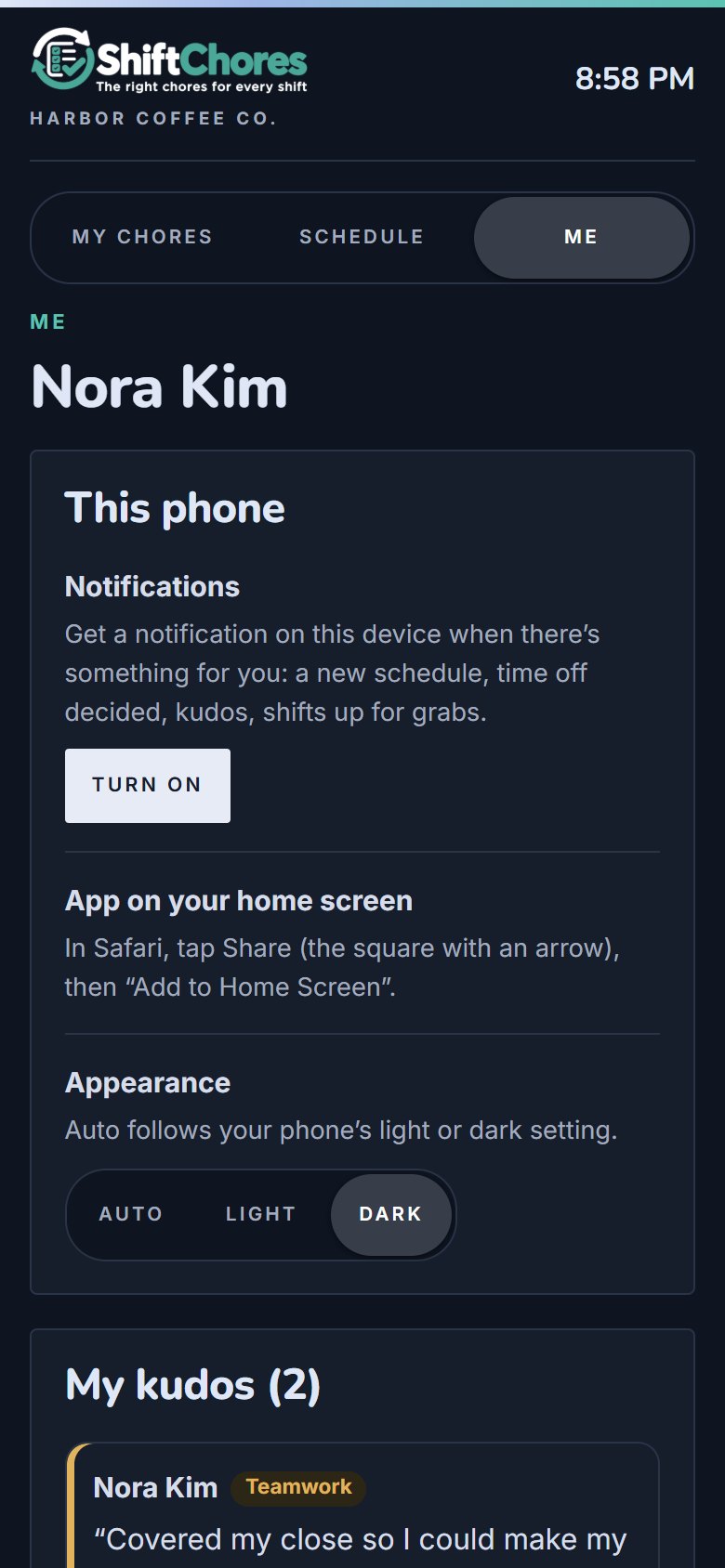
No app store, no passwords — a sign-in link by email, and an app icon on their home screen with notifications. On the schedule? One tap. Covering? Pick the team and shift and you’re added.
Share chores out among the shift, give everyone their own copy, assign them to a team or a specific person, or offer extras for points.
Ask for one or several photos or short videos on the chores that matter, and see them right on the Approvals page.
Check finished work and send it back with a note, or switch approvals off and let chores count the moment they’re done.
Points toward rewards you choose, Clean Sweep streaks, badges and a leaderboard that reward quality — never rushing.
Weekly, monthly or quarterly periods. Hand rewards out any time or pay out when each period closes, and get a payout report — owed, paid and cost, to CSV.
One person starts Morning at 8, another at 9, someone leaves at 11. Chores are shared out to fit the time each person actually has, and reminders follow their own hours.
Today shows who’s in, who’s late, and every chore’s progress, color-coded by shift. Reassign in a tap.
Build the week, publish it, and everyone gets their shifts by email and on their phone — with time off and availability. Already have a scheduling system? Import from it or connect it instead.
Owners, org admins and managers who see only the locations they run. People can work at one location, several or all.
An in-app helper that answers questions — “what’s left on my list?”, “who hasn’t finished?” — using only what each person is allowed to see.
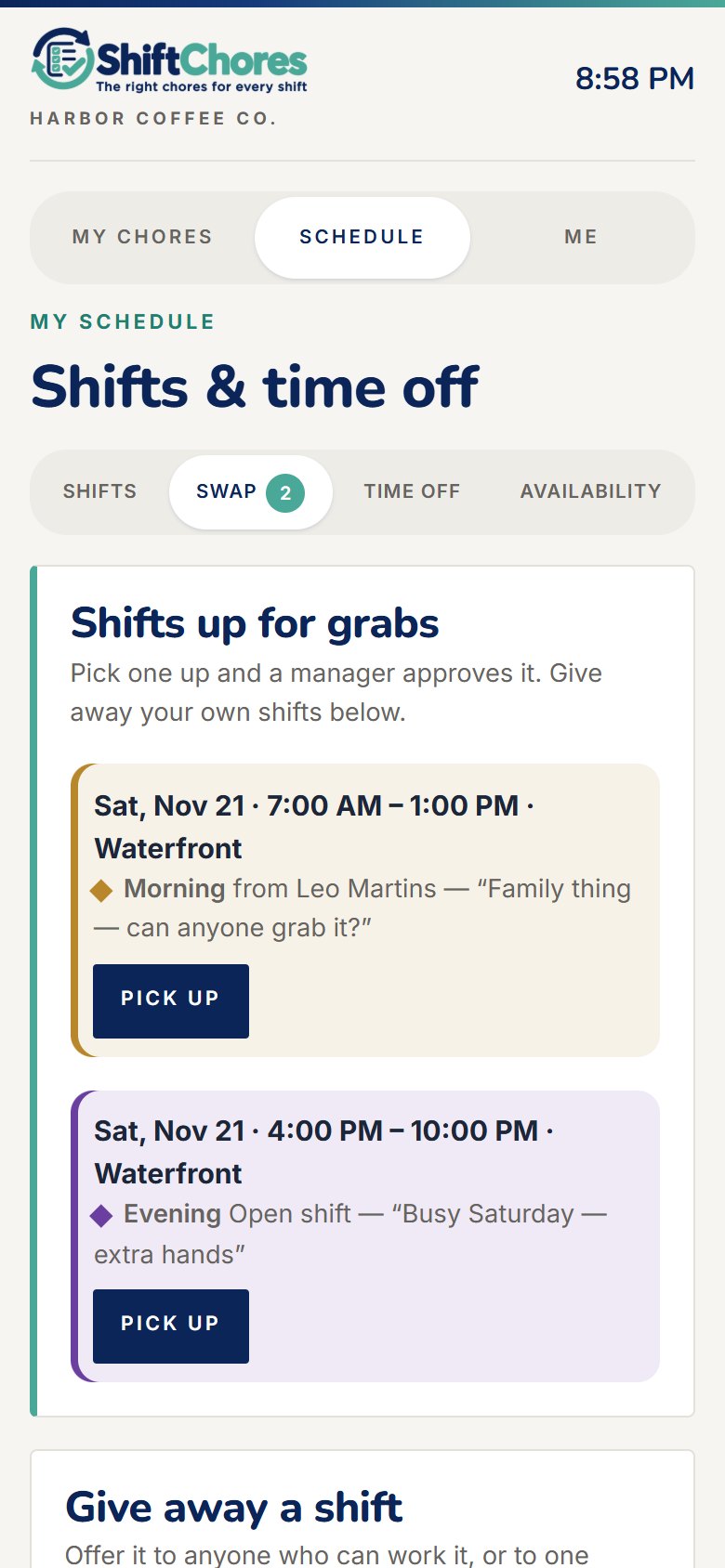
Team members give away shifts and pick up open ones — only people who can work it, aren’t already booked and aren’t off. You approve each pickup, or let them sort it out.
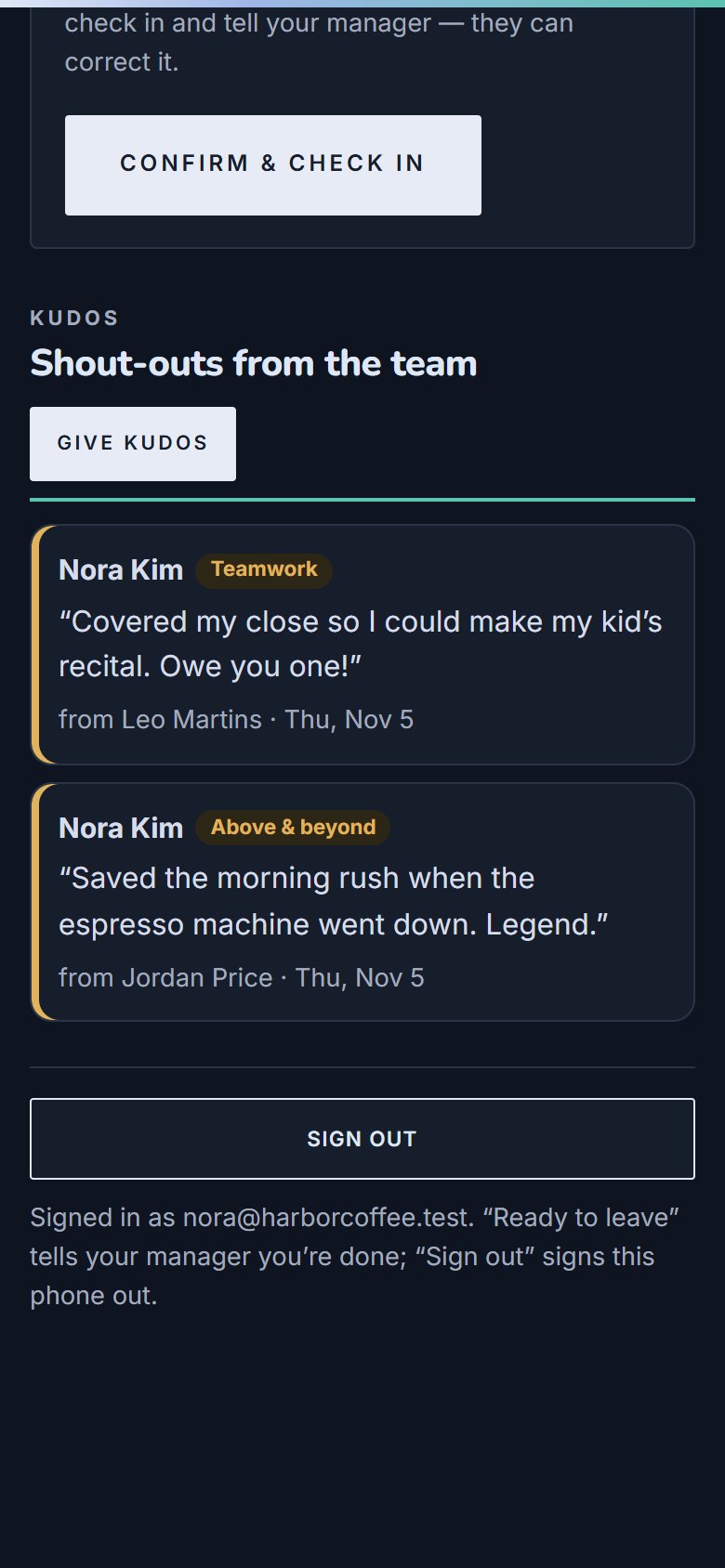
A quick thank-you from a manager or a coworker — “Saved the morning rush” — with a notification and a team kudos wall. Recognition that keeps people.
Completion and timing by date range, a monthly report per person, and an audit of how chores were reviewed.







No scheduling software? You don’t need any. Build the week in ShiftChores, publish it, and everyone knows when they’re working — and gets the right chores when they arrive.

Nothing to download from an app store. Add ShiftChores to the home screen and it works like any other app — with notifications, dark mode, and their shifts right in their own calendar.
ShiftChores is built on a few things research keeps finding about work: people do better when they know what’s expected of them, and good work that gets noticed keeps good people.
9 pts
Drop since 2020 in how clearly U.S. employees say they know what’s expected of them at work — one of the sharpest declines Gallup measured.
“Clear expectations turn ‘I didn’t know’ into ‘Already done.’”
Source: Gallup, 2025
45%
Less likely to have left their job two years later: employees who received high-quality recognition, in a study following nearly 3,500 workers.
“Celebrate the small wins. They’re what build great teams.”
Source: Gallup & Workhuman, 2024
65%
Less likely to be looking for another job: employees who get higher-quality recognition, compared with those who get lower-quality recognition.
“Great work deserves more than going unnoticed.”
Source: Gallup & Workhuman, 2024
These are findings from independent research about recognition and clear expectations at work, not measured ShiftChores results.
If clearer assignments saved each person just a few minutes a shift — no hunting for the list, no asking who’s doing what — here’s what that time adds up to over a year.
$21,667
1,083 employee-hours a year
An illustration from your own numbers: 52 weeks of shifts, with every minute saved. It isn’t a measured ShiftChores result or a promise of lower payroll.
Priced by active employees. Unlimited locations, managers and chores on every plan. Pay yearly and get two months free.
Up to 10 active employees
$29/month
Request early accessUp to 25 active employees
$59/month
Request early accessUp to 60 active employees
$119/month
Request early accessMore than 60, or many sites
Let’s talk
Contact salesEvery plan includes everything: scheduling, shift trading, kudos, notifications, check-in, proof, approvals, rewards, reports and Abby. A 14-day free trial when we open sign-up.
No. ShiftChores runs in the phone’s browser and can be added to the home screen like an app. They sign in with a link we email them — no passwords to remember.
Yes. Shifts can run past midnight (a 3rd shift or a night shift), and the schedule says who works what each day. If someone picks up or covers a shift, they choose it when they check in.
That’s expected. The shift decides which chores someone gets; their own hours decide how many. Someone in for two hours of a seven-hour shift gets about two sevenths of the work. Their hours come from the schedule, or they say when they’re leaving as they check in — and they (or a manager) can change it if they leave early or stay late. Open chores are shared out again to fit.
People aren’t locked into a team. Whoever works a team’s shift gets that team’s chores for the day — so coverage just works.
No. Scheduling is built in and included on every plan at no extra cost: build the week, copy it or use a template, publish it, and handle time off and availability — all in ShiftChores.
No app store needed. ShiftChores runs on any phone, and each person can add it to their home screen, where it opens full screen like any app — with notifications for their schedule, time off, kudos and shifts up for grabs.
Yes, and it’s on unless you turn it off. Someone gives away a shift — to the team or one coworker — and only people who work at that location, are in that shift’s role, and aren’t already working or off can pick it up. A manager approves each pickup (or you can let them go straight through). Managers can post open shifts too.
Yes. Import a CSV or spreadsheet export, or connect a scheduling system so shifts flow in automatically. Or schedule right in ShiftChores — it’s included.
Your choice. Set a reward period — weekly, every two weeks, monthly, quarterly, or none — then either hand out a reward whenever someone reaches the target, or pay everyone out when the period closes. Points left over can carry into the next period or start again at zero. Each closed period has a payout report with what everyone earned and is owed, what it’s worth, and a Paid check-off as you hand rewards over.
Only if you want to. Approvals are a switch: on, managers check finished work (with photos) before points are awarded; off, chores count as soon as they’re done.
ShiftChores is in private preview. Tell us a little about your business and we’ll set up your organization and walk you through the first run.
Your data is yours: owners can export everything at any time. Sign-in uses one-time links and secure cookies, admins use two-step sign-in, and every request is checked against what that person is allowed to see.
We’re onboarding a small number of businesses now. Tell us about yours — your industry, how many locations and people, and how your shifts run — and we’ll set you up.